Smart Home Devices Worth Buying in 2026
An honest list of smart home devices that earn their spot, and the ones that get unplugged after six months.

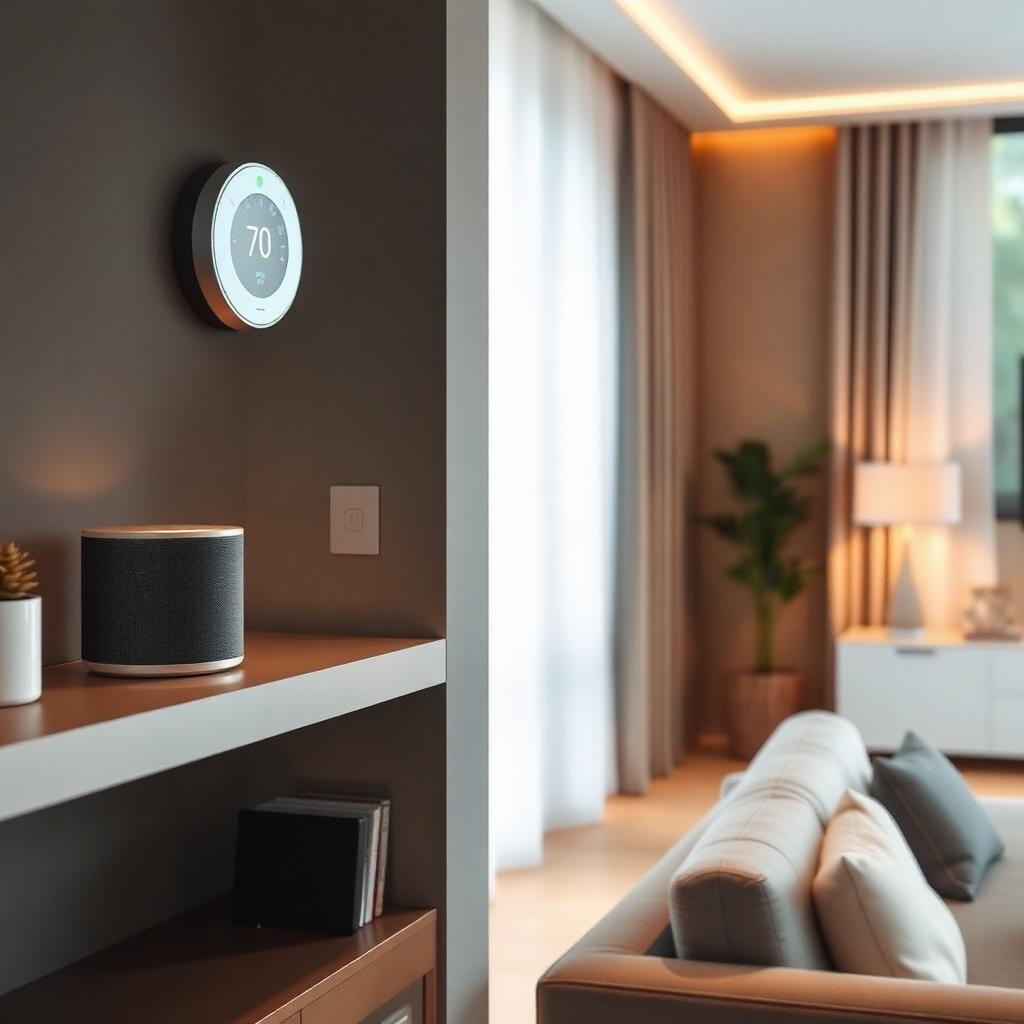
I've bought a lot of smart home devices. Roughly half of them are still plugged in. This is my running list of the ones that survived a year of real life in a house with two kids, a dog and mediocre Wi-Fi — and the ones I quietly returned.
The rule I use before buying anything new: does it solve a real problem I have today, or am I adopting a solution looking for one? The category is full of the second kind.
Smart thermostat — worth it for almost everyone
A decent smart thermostat pays for itself in most US homes within one to two years through better scheduling alone. You do not need the most expensive model. What you need is one your HVAC system supports and that has a physical dial your less-tech-comfortable family members can still operate.
The killer feature isn't the app. It's the automatic setback when everyone leaves the house.
Smart smoke and CO detectors — worth it
This is the category I feel strongest about. A networked smoke and CO detector that tells you which room and pushes an alert to your phone is a genuine safety upgrade over standalone units. It also silences false alarms from the app, which means you're less likely to disable one out of frustration.
Video doorbell — worth it with caveats
Great for package deliveries, missed visitors and short-notice check-ins. Read the privacy policy of whichever brand you pick, and pay for local storage if it's offered. Cloud subscription fees add up over the life of the device.
Smart plugs — worth a few, not a whole house
Three or four smart plugs on the things you actually forget — a space heater, a lamp on a timer, a coffee maker — are useful. Twenty of them turning your whole house into an app is a maintenance nightmare and a security surface.
Smart lighting — worth it in specific rooms
One well-configured smart bulb or dimmer in a bedroom or living room, set to warm dimly in the evening and bright in the morning, genuinely changes how the room feels at each time of day. A whole-house smart lighting rewire is expensive and usually overkill.
The category I've stopped buying: smart small appliances
Smart coffee makers, smart microwaves, smart toasters. The button was fine. Adding an app makes it worse.
Expert tips
- •Buy from brands that support Matter or at least a strong local API. Vendor lock-in is how a device becomes a paperweight.
- •Put smart devices on a separate Wi-Fi network (a guest SSID is fine) so a compromised device can't reach your laptop.
- •Change every default password on installation. Half of the horror stories in the news are default-password stories.
- •Turn off unused features. Fewer active integrations means fewer things to break.
Common mistakes to avoid
- ✕Buying a smart device that only works with a discontinued app.
- ✕Setting up voice assistants without any privacy review.
- ✕Skipping firmware updates. Smart devices are computers and they need patches.
- ✕Automating something that a light switch already did fine.
Frequently asked questions
Weekend woodworker and smart-home tinkerer. Tests every device he writes about in his own 1970s ranch house.
Related topics
Ideas from nearby corners of the site you'll probably like too.
The Complete Bathroom Renovation Guide: Costs, Timeline and What Actually Happens
Everything I wish homeowners knew before their first bathroom remodel — realistic budgets, a full timeline, decisions that quietly add thousands, and the small choices that make the finished room feel worth every penny.
Seasonal Home Maintenance Checklist for Every Homeowner
The maintenance tasks — grouped by season — that quietly prevent the most expensive repairs I see year after year.
Energy Saving Tips for Homeowners That Actually Move the Needle
Energy saving tips ranked by real impact — the moves that noticeably cut bills, and the ones that barely register.