Home Office Setup Guide: A Room You Can Actually Work In
A designer's guide to setting up a home office that supports real work — long past the honeymoon week.

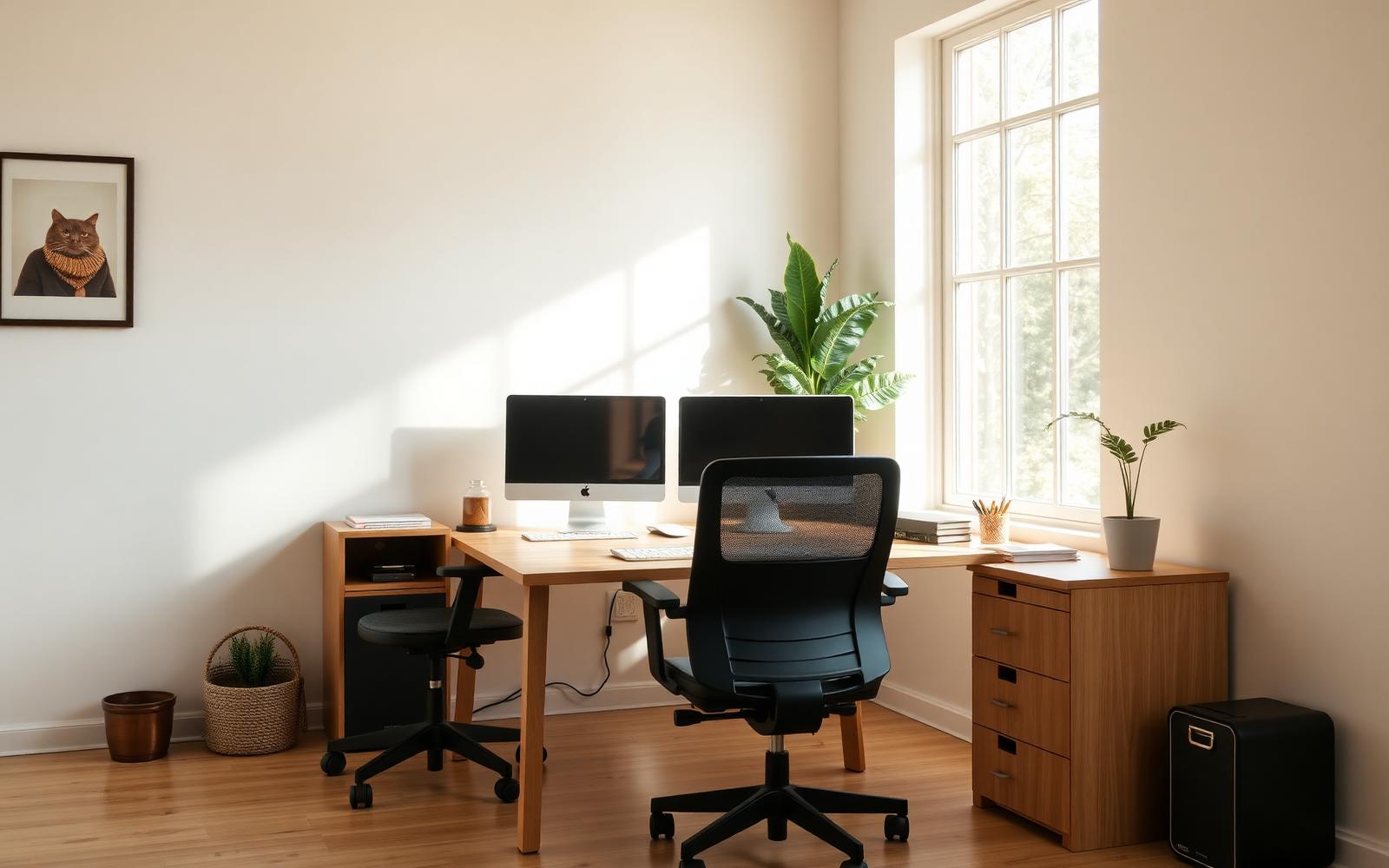
The best home offices I've designed weren't the most photogenic. They were the ones the owner still liked working in six months later. Cameras love the accent wall. Your back loves the chair.
This guide walks through the setup priorities in the order they actually matter, from the chair up.
The chair matters more than the desk
Spend more on the chair than any other single item in the room. A good task chair in the $400 to $800 range will support your back for a decade. A $79 chair will make you miserable in three months.
Try chairs in person if you can. Two chairs with identical specs can feel completely different.
Set desk height to your elbow, not to the chair
Your desk should let your elbows sit at roughly 90 degrees when your hands rest on the keyboard. If a fixed-height desk doesn't work for you, a decent electric standing desk in the $400 range solves the ergonomics problem and pays back in comfort within weeks.
Lighting: window plus one warm task lamp
Face perpendicular to the window if possible. Facing a window creates glare on the screen; sitting with a window behind you backlights you on video calls. Add one warm task lamp for evenings — 2700K is right for a residential room even if you're working in it.
Overhead ceiling light alone is unflattering and flat. It's the single easiest thing to fix.
The monitor at eye level
The top of your primary monitor should sit at or just below eye level. If you're using a laptop, a $30 laptop stand plus an external keyboard is one of the highest-ROI ergonomic changes you can make.
One quiet corner for the eye to land on
Even in a small office, keep one wall or corner intentionally calm — a piece of art, a plant, an empty stretch. Your eyes need a place to rest when you look up from the screen. It's not decor, it's function.
Expert tips
- •Run cables inside a channel or cable tray. Visible cable spaghetti reads as chaos and is a real distraction.
- •Add a small side table for a notebook, drink and phone. It keeps the desk clear.
- •Use a rug even on carpet. It anchors the office zone visually if it shares a room with something else.
- •Buy a decent headset. The audio you sound like on calls affects your day more than most people realize.
Common mistakes to avoid
- ✕Cheap chair, expensive desk. Reverse those priorities.
- ✕Putting the desk in the middle of the room facing a wall with nothing to look at.
- ✕Ignoring background clutter on video calls. Your camera sees more than you think.
- ✕One overhead light and calling it done.
Frequently asked questions
Fourteen years designing residential interiors on both coasts, with a soft spot for warm minimalism and small-space layouts.
More in Interior Design
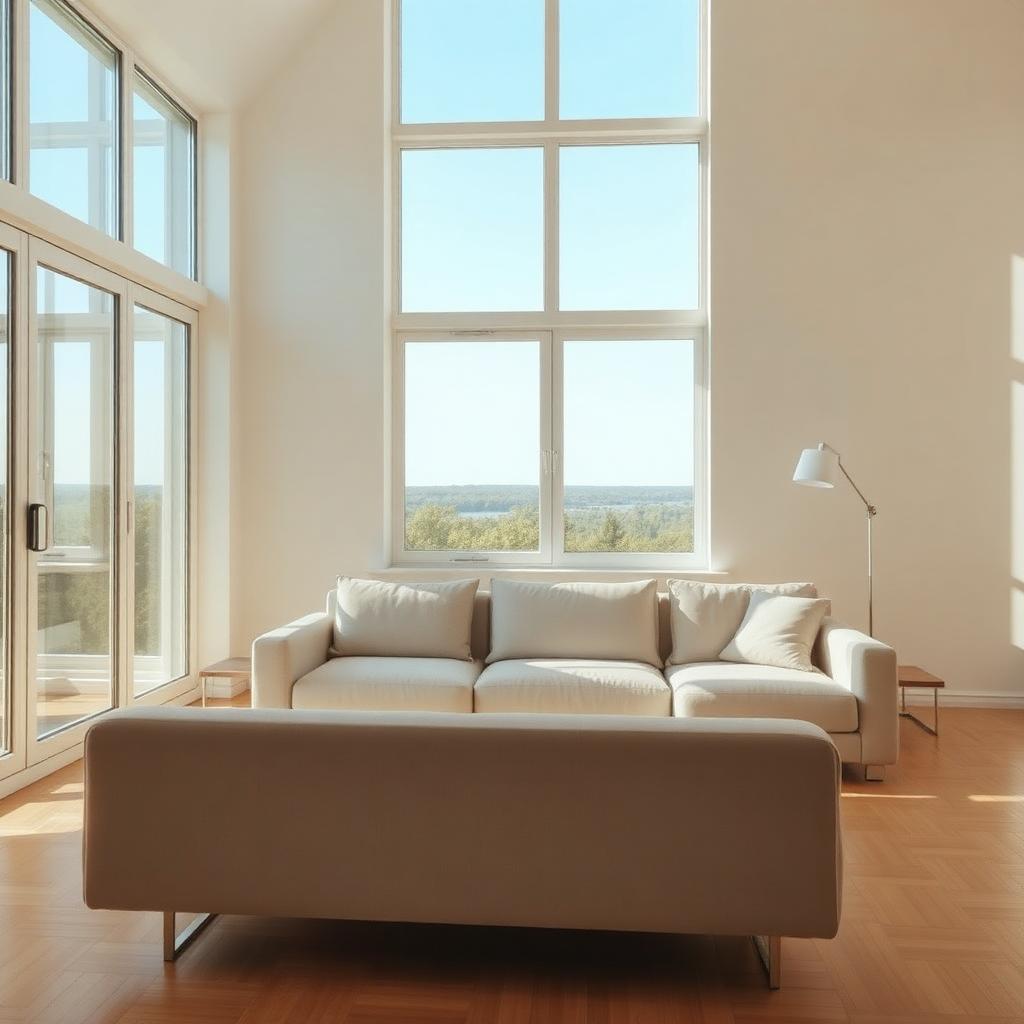
Small Living Room Design Ideas That Actually Feel Bigger
Real design moves that make a small living room feel bigger without knocking down a single wall — starting with the one mistake almost everyone makes.
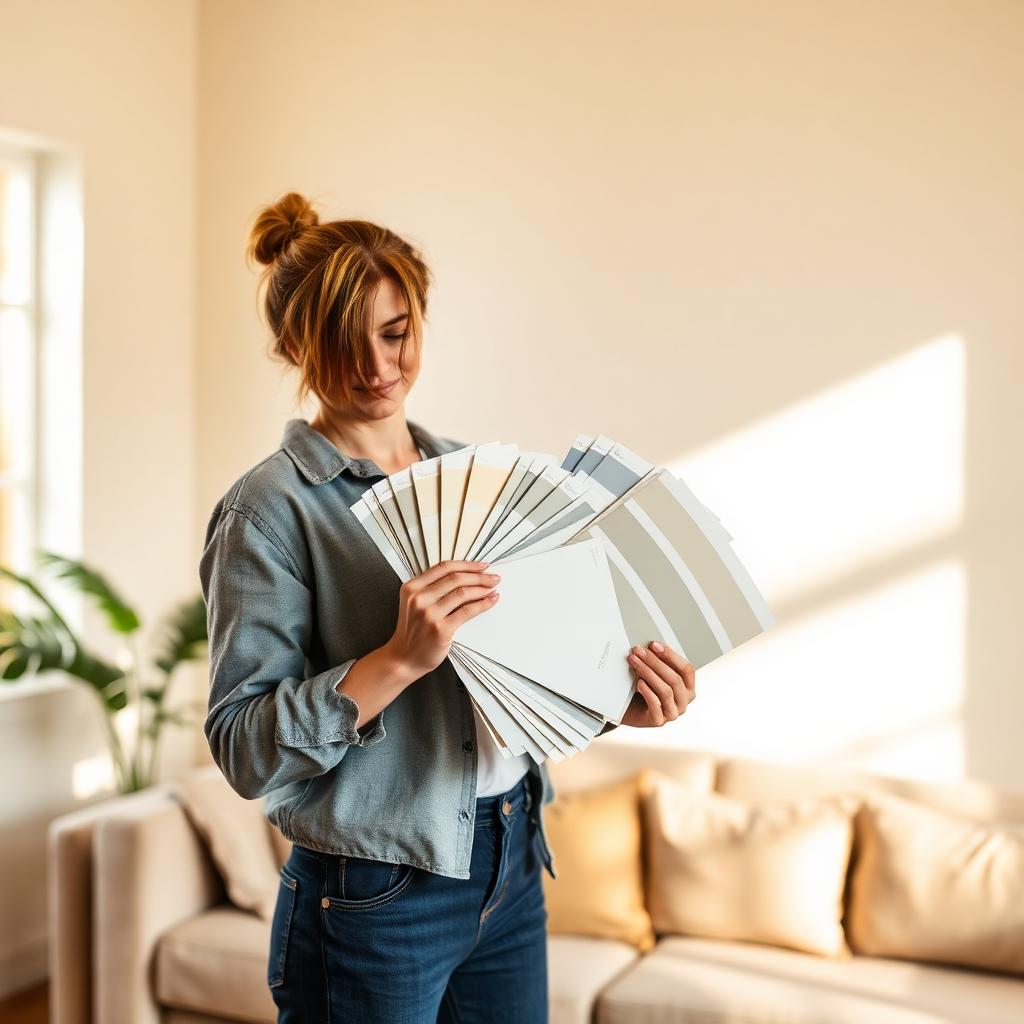
How to Choose Interior Paint Colors: A Designer's Room-by-Room Guide
Choosing paint colors is where most rooms go sideways. This is the process I actually use with clients — how to read undertones, test the way pros test, and land on a color you'll still love five years from now.
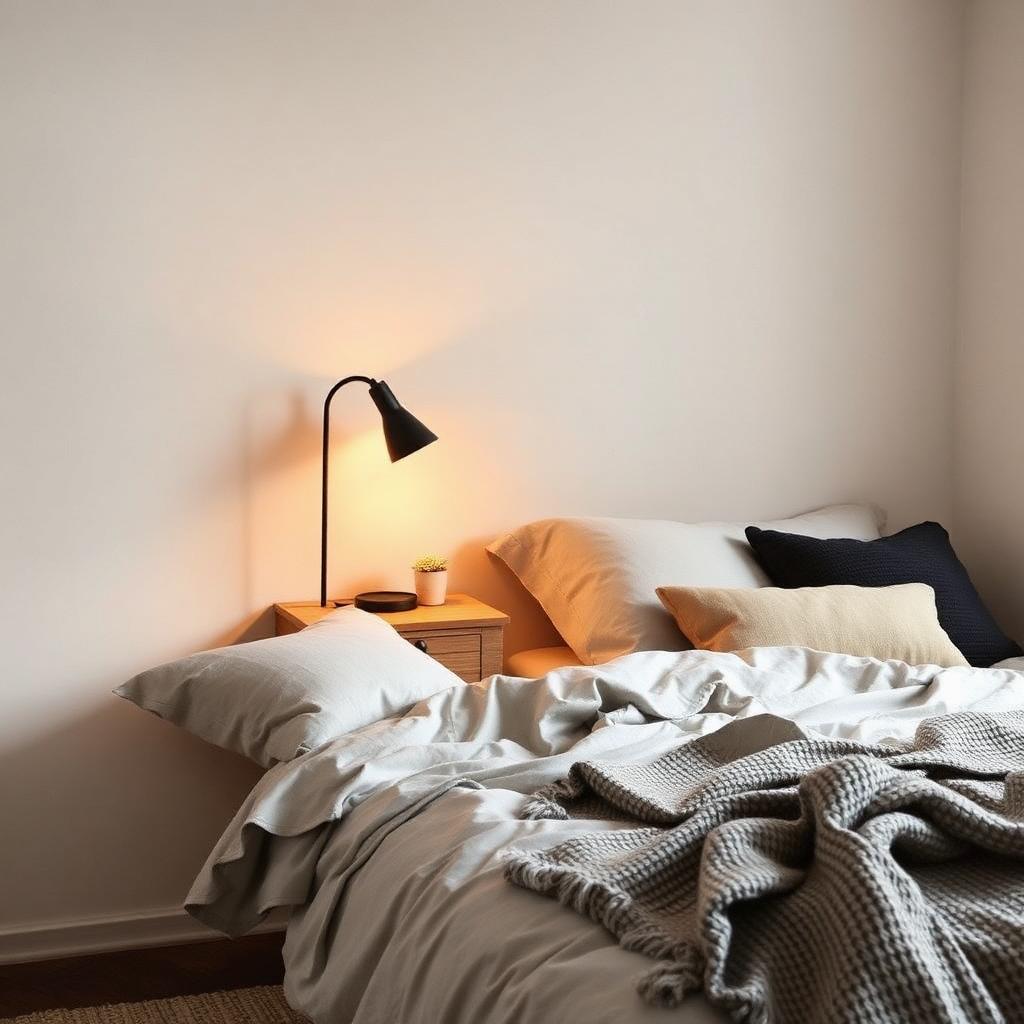
Modern Bedroom Design Trends Worth Paying Attention To
Modern bedroom design trends worth the investment — and the ones I'm already seeing my clients regret.
Related topics
Ideas from nearby corners of the site you'll probably like too.
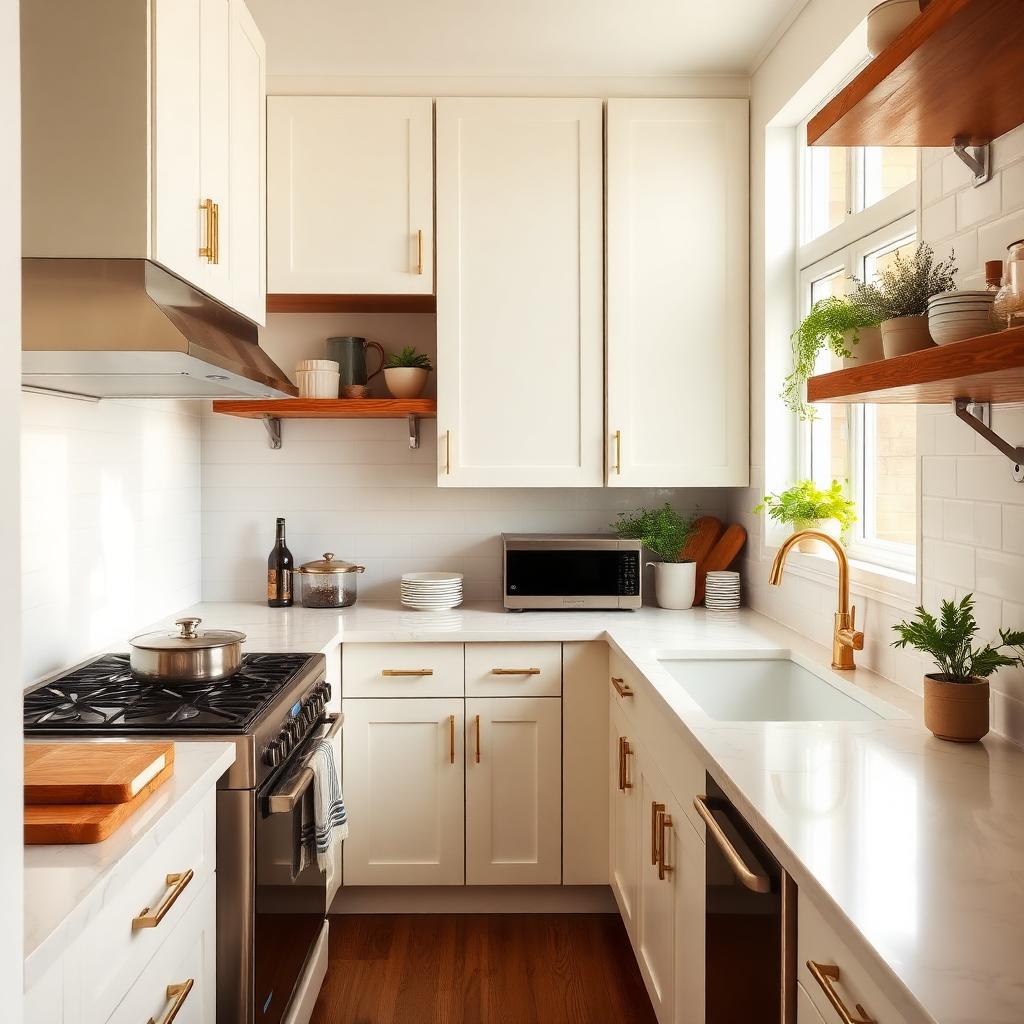
How to Organize a Small Kitchen So It Stays That Way
Zone-by-zone organization for a small kitchen — the storage that pulls its weight and the habits that keep it tidy after week one.
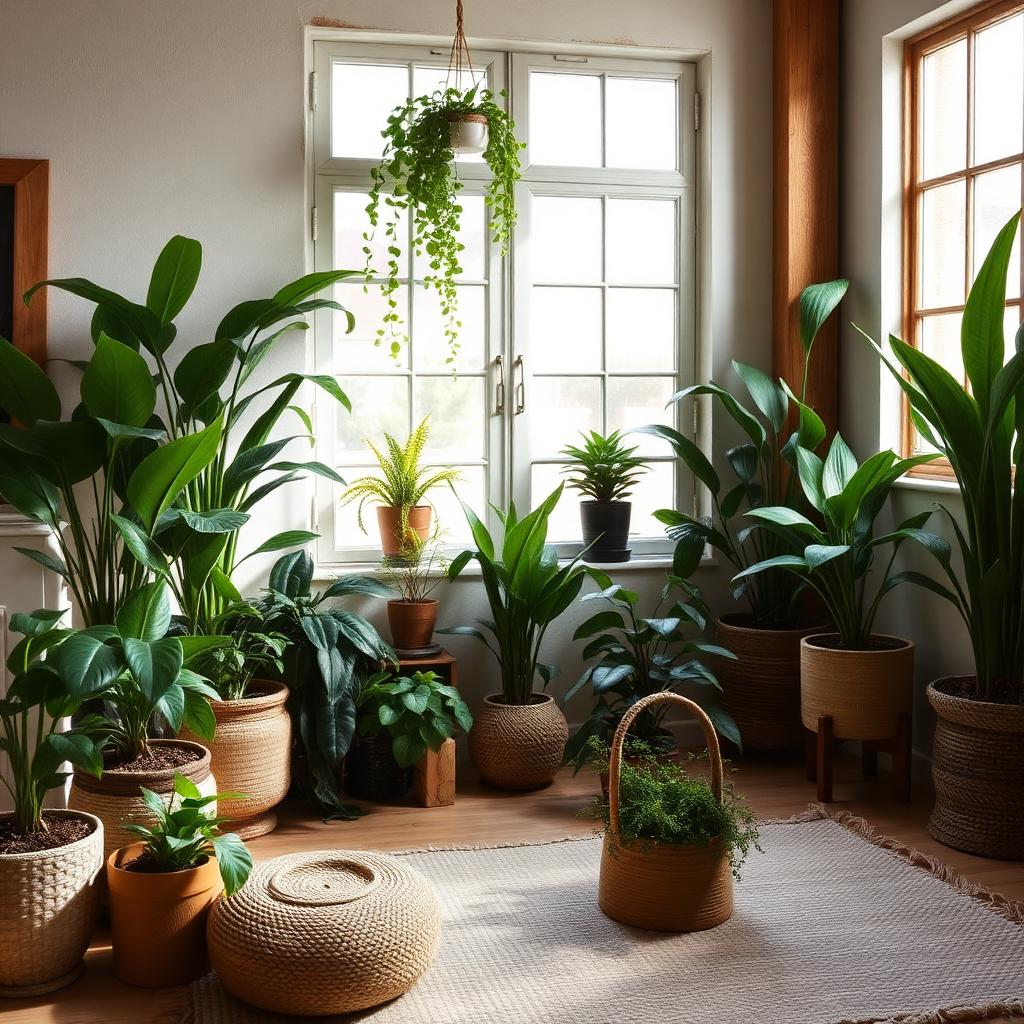
Best Indoor Plants for Air Quality (and How to Not Kill Them)
Honest picks for indoor plants that clean the air, add real warmth to a room, and forgive a beginner's care routine.
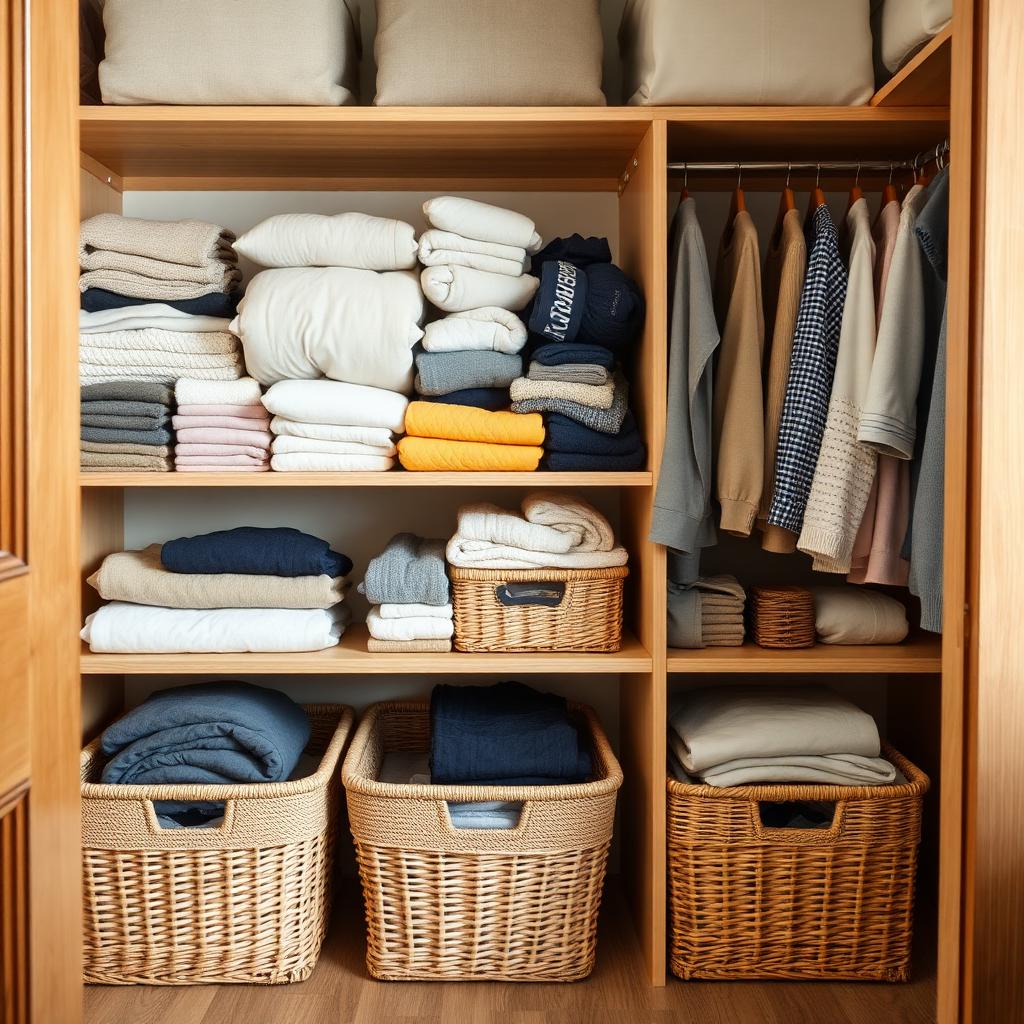
Decluttering and Organization Strategies That Actually Stick
Decluttering strategies that survive past the first weekend high — and the small habits that keep new clutter from arriving.